How it works
Three steps, every morning. The choice is always yours.
Step 1: Set your alarm
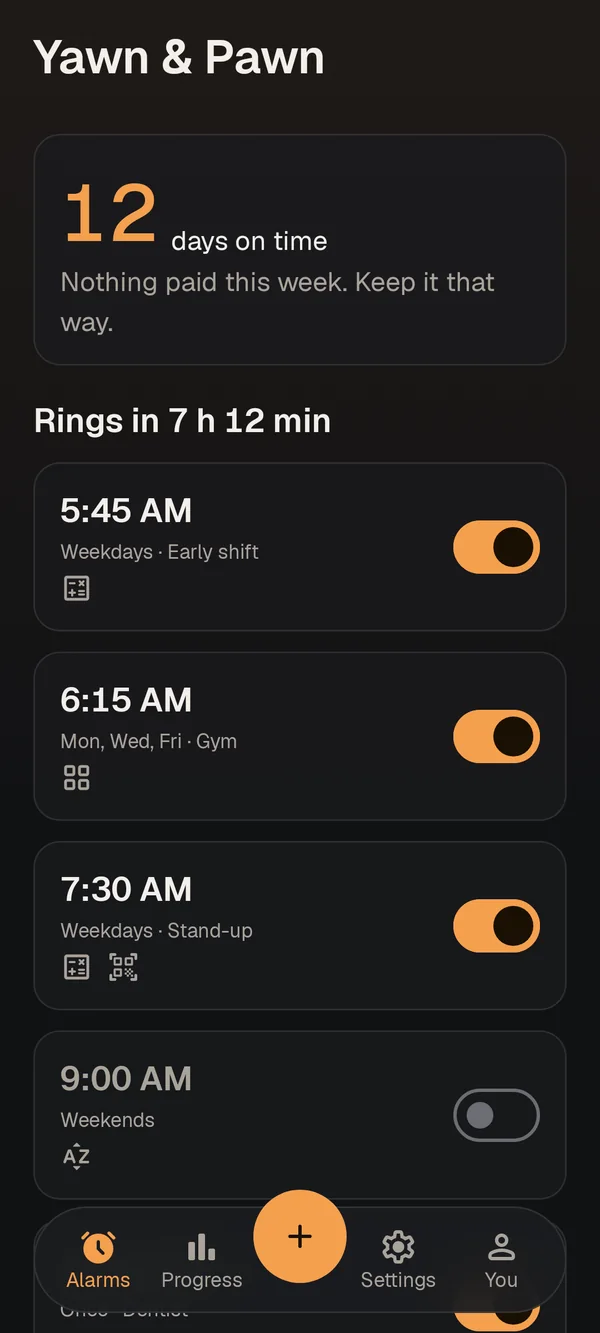
Pick a time, a sound and the check that will prove you are up. Do it at night, while you still mean it.
Step 2: It rings
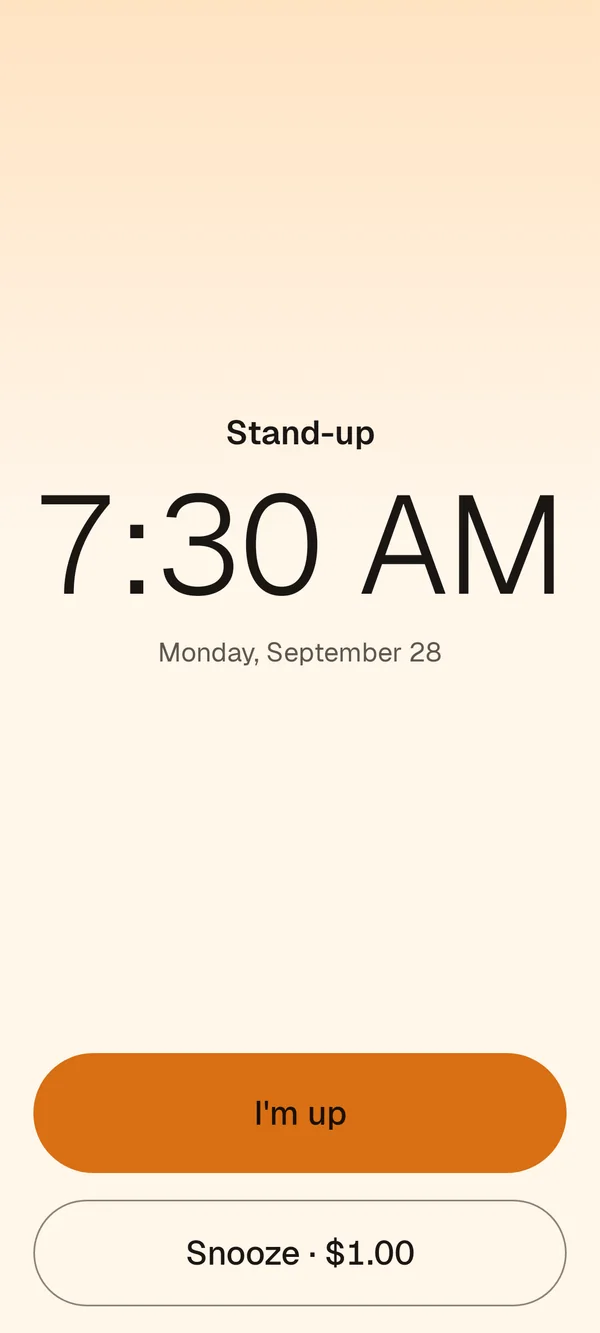
Snooze and pay, a little more each time. Or tap "I’m up" and the alarm goes quiet for a moment.
Step 3: Finish your check
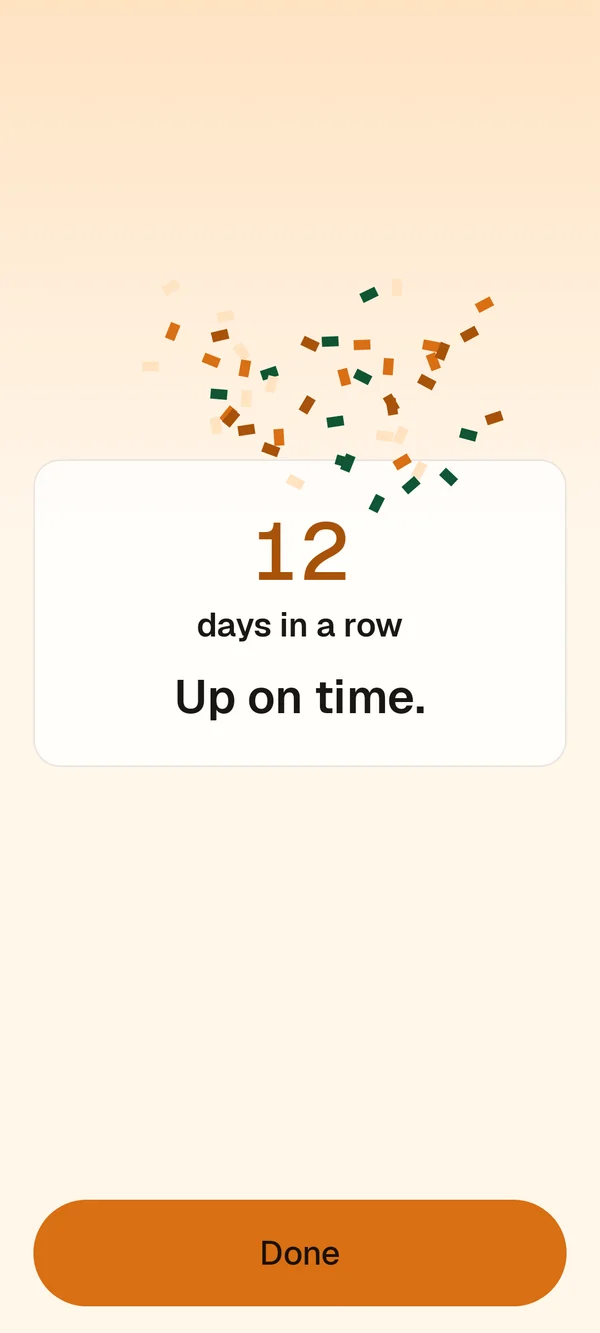
Solve it before the quiet time runs out and the alarm is done for the day. Free, every time.
Each snooze costs more than the last
You pick a base fee, from $1. Your first snooze costs the base fee, the second twice that, and so on, up to 5 snoozes a morning. Your fee is locked for the morning, so there's no lowering it at 6 a.m.
Payments go through Google Play, in your own currency, with tax. Unused payments are refunded automatically.
How payments and refunds workWith a $1 base fee
- 1st snooze$1
- 2nd snooze$2
- 3rd snooze$3
- 4th snooze$4
- 5th snooze$5
Prove you're up, your way
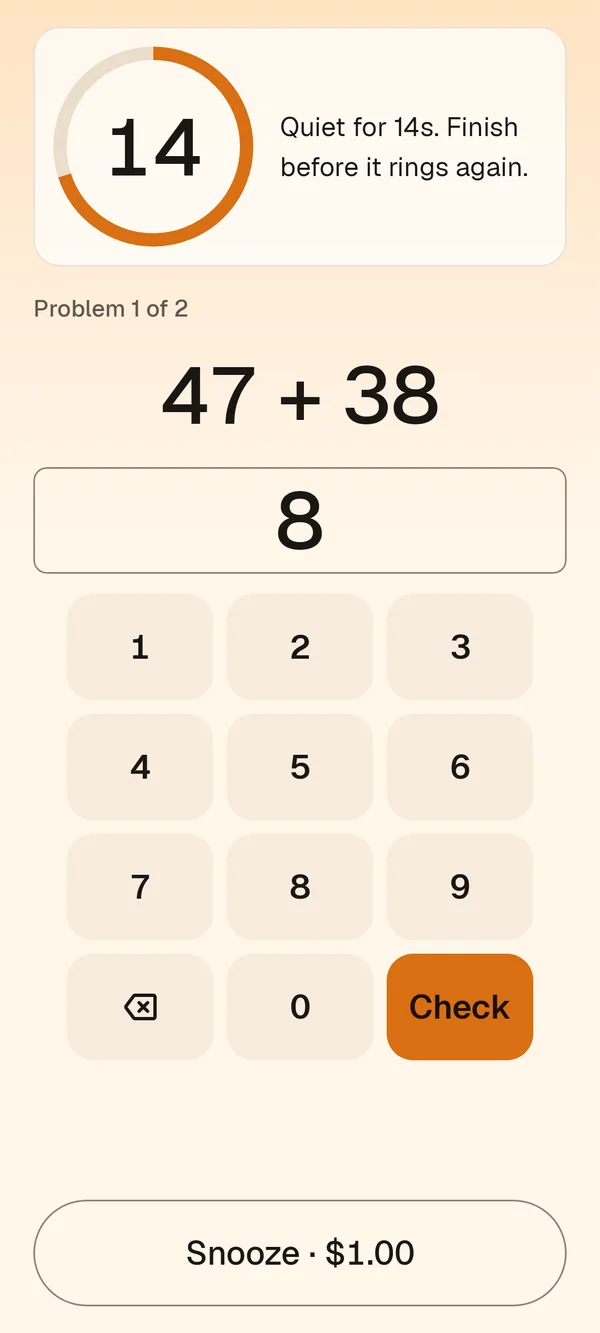
Tap "I'm up" and the alarm goes quiet while you do your check. Pick one, or mix them.
Math
A few sums, from easy to hard. Hard enough to wake your brain.
Word unscramble
Put the letters back in order before the quiet time ends.
Memory sequence
Watch a pattern of tiles, then repeat it.
QR or barcode
Scan your toothpaste, or a code we print for you, in another room. You have to get out of bed.
Made to actually get you up
Rings even after a restart
If your phone restarts overnight, the alarm still rings, even before you unlock it.
Wakes the screen, bright
The alarm takes over the screen and brightens it, like a sunrise.
Your own voice
Record a message to yourself and hear it once you are up, or mixed into the alarm.
Your own sound
Pick a song or sound from your phone. If the file goes missing, a built-in sound plays instead.
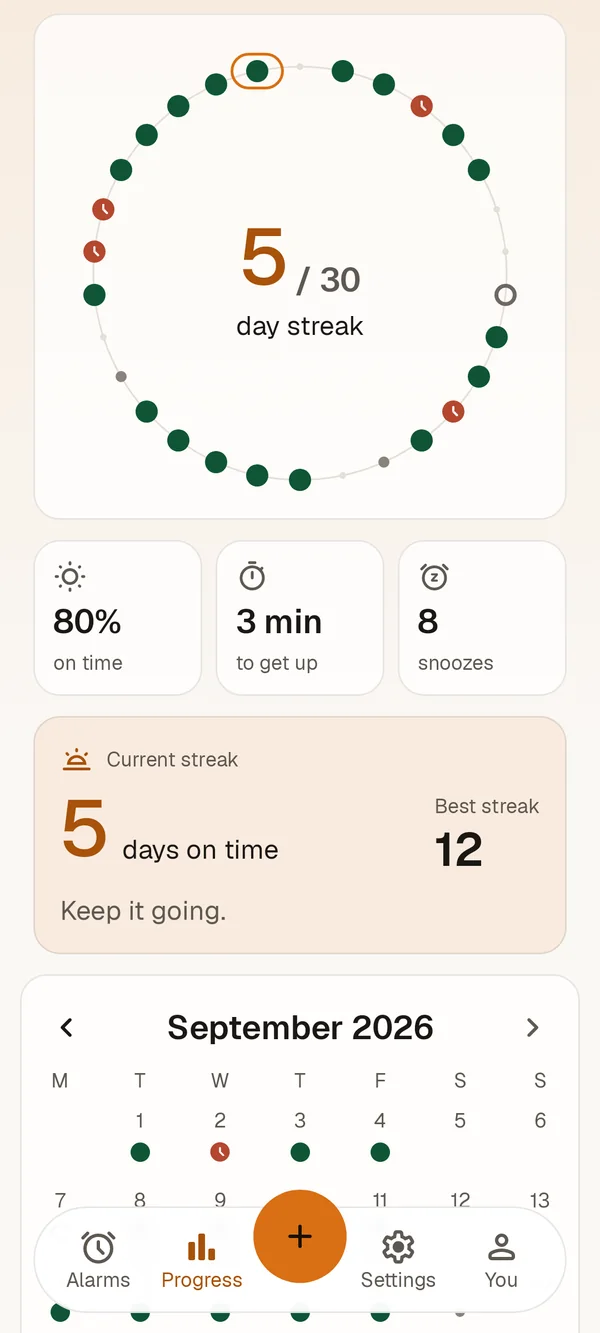
Streaks and progress
See your mornings on a calendar and keep your streak of on-time days going.
Skip one morning
Day off? A reminder before the alarm lets you skip just that one morning, without turning the alarm off.
No account. Your mornings stay on your phone.
Your alarms, history and recordings never leave your phone. Crash reports are sent so we can fix alarms that fail. Usage stats only if you say yes.
Questions
Who gets the money?
We do, through Google Play. It is how the app pays for itself. We would rather you got up.
Can I get a refund?
Payments that weren’t used are refunded automatically by Google. You can also ask Google for a refund yourself within 48 hours of a charge.
Is there a way out without paying?
Yes. Finish your check, and it is free. You can also force-stop or uninstall the app, or turn off the phone. If nobody touches it, it stops after 30 minutes.
Do I need an account?
No. There is no sign-in. Your alarms, history and recordings stay on your phone.
Which phones does it work on?
Android phones with Android 8.0 or later. Some brands stop apps in the background, so the app walks you through the settings that keep your alarm reliable.
Try it before everyone else
Yawn & Pawn is in a closed test on Google Play. Send us your Gmail address and we'll add you.
Email support@yawnandpawn.com